Managed agent configs
A config saves your harness, AI provider, model, agent role, sandbox, repository, and skills, and you can reuse it whenever you configure a managed agent or automation. Configs are managed under Settings → Space Settings → Managed Agent Configs.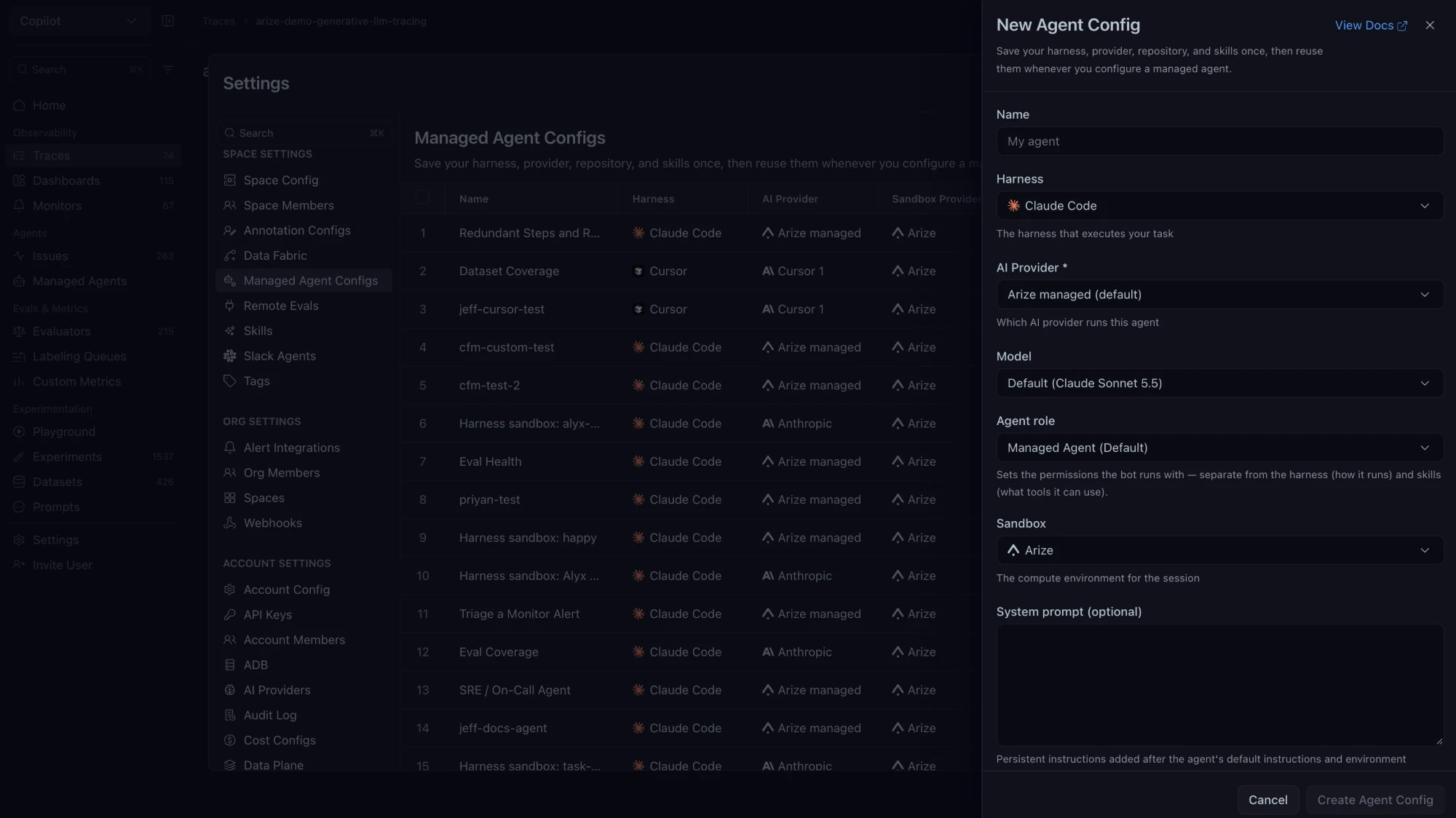
- Go to Settings → Space Settings → Managed Agent Configs and open New Agent Config.
- Enter a Name and select the Harness, AI Provider, Model, Agent role, and Sandbox.
- Add a System prompt if you want. The limit is 100,000 characters.
- Click Create Agent Config.
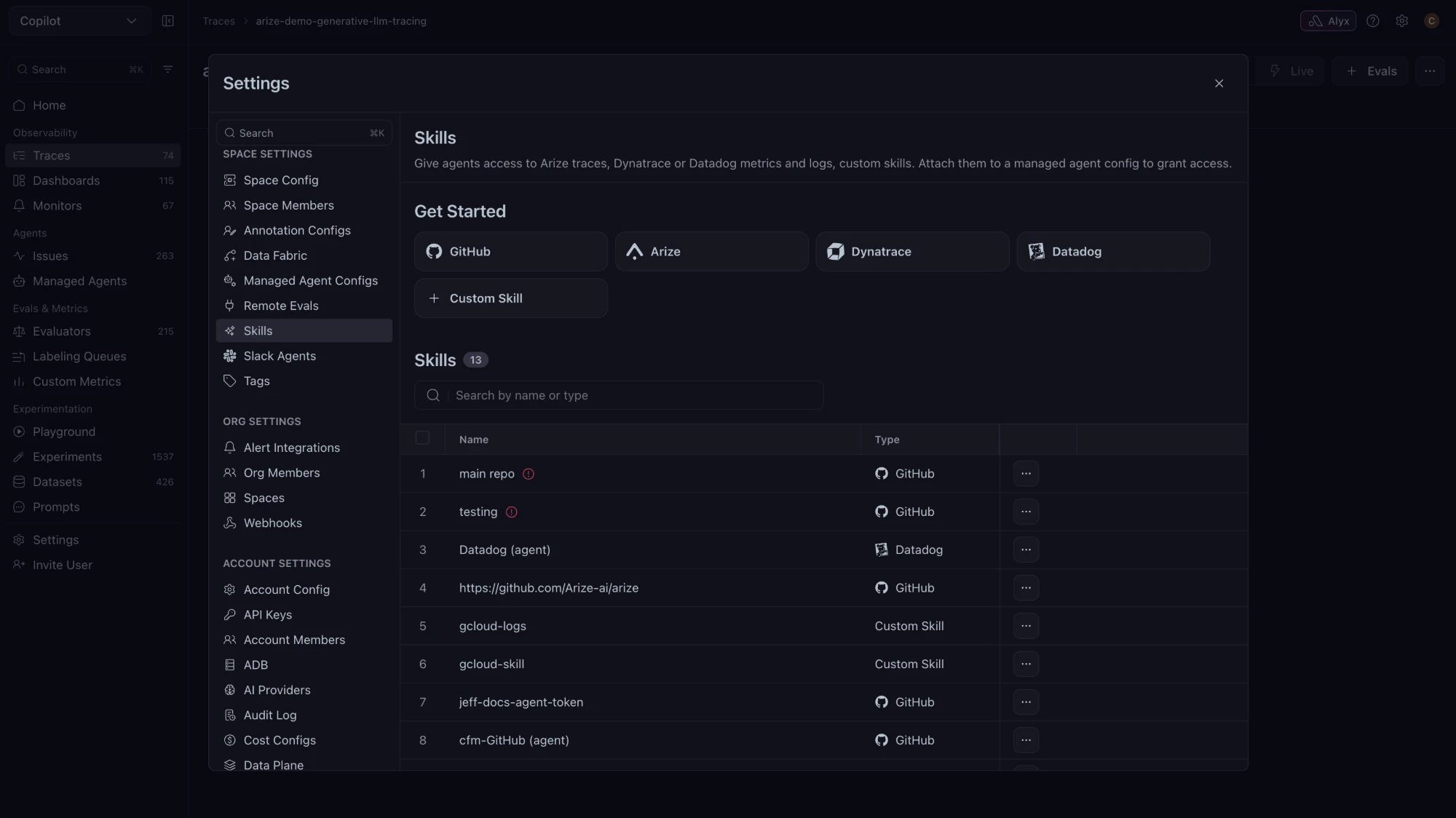
Skills
Skills give agents access to Arize traces, Dynatrace or Datadog metrics and logs, GitHub repositories, or custom skills, and an agent gets that access only when the skill is attached to its config. Skills are managed under Settings → Space Settings → Skills, where the skill types are GitHub, Arize, Dynatrace, Datadog, and Custom Skill.