

Invite members
- From a space
- From an organization
- From the account
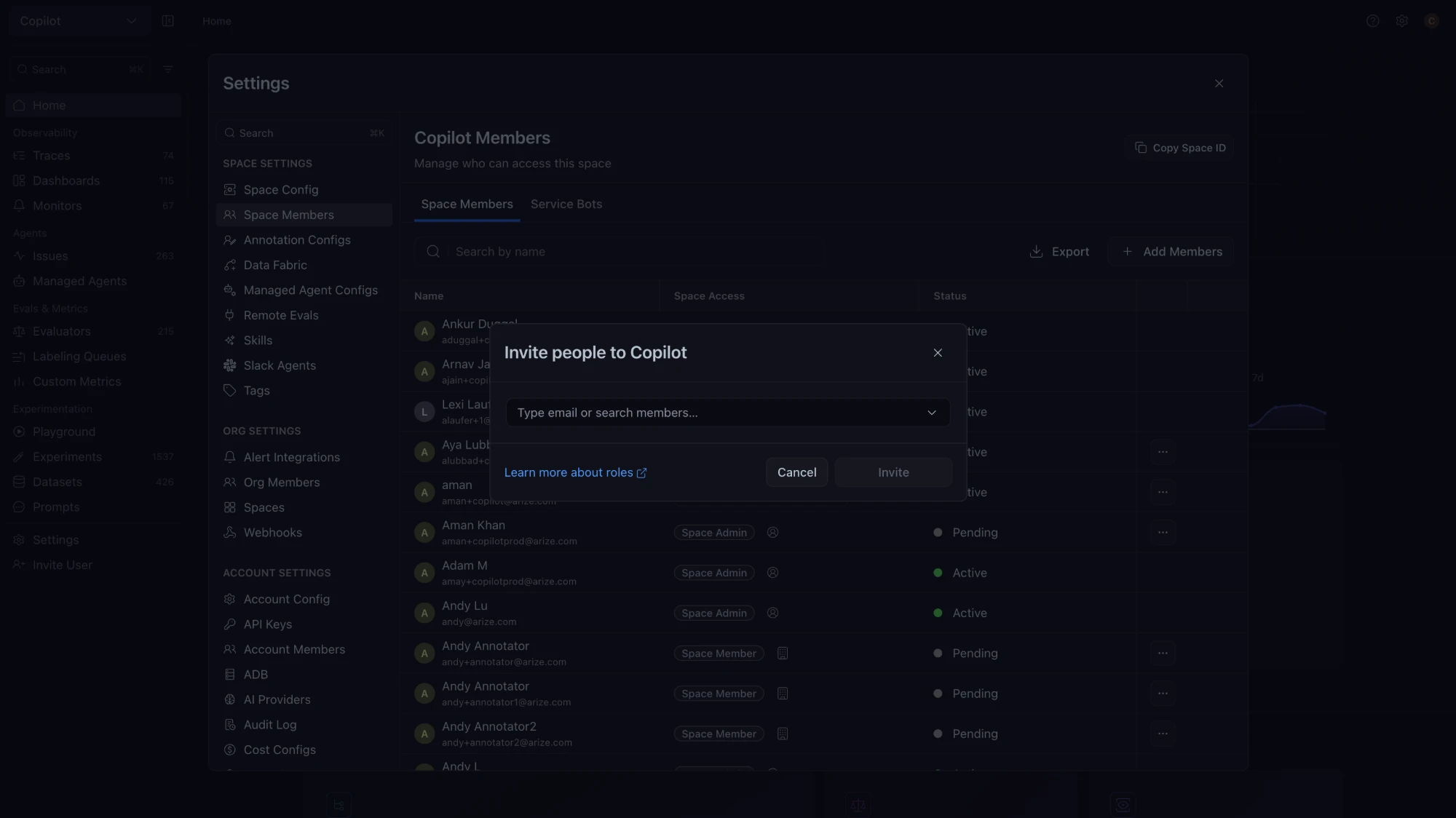
- Go to Settings → Space Settings → Space Members and click Add Members. Account Admins can also open this dialog from Invite User in the left navigation.
- Type or paste up to 50 email addresses, separated by spaces, commas, or semicolons, or search for existing members.
- Choose a space role for each person, managed or custom.
- Advanced settings appears on Enterprise, self-hosted, and locked-role accounts when an email is new to the account. It sets the Account role and Organization role.
- Click Invite.
POST /v2/users in the RBAC REST API invites users programmatically. It accepts ADMIN, MEMBER, or ANNOTATOR, so it cannot create Member - UI Only users.
With SAML enforcement on, you cannot invite new email addresses, because your identity provider creates those users at first login. With Sync permissions on each login on, roles changed by hand are overwritten at the next login. A Domain Whitelist under Account Settings → Security limits invitations to approved domains.